Privacy
Last updated: October 2026
This page describes which data Pulseknot processes, where that data stays, and how to reach us with
questions. The privacy policy of this website (German) applies to the
website itself.
Controller
Symtix UG (haftungsbeschränkt)
Mohnstieg 40, 37077 Göttingen, Germany
Email: info@symtix.eu
Represented by: Luis Pardo, Managing Director
Principles
- Our apps process your data on your device. None of our apps sends any data to us.
- Data only goes to third parties through Apple services that an app uses (see
“Apple services”), or when you yourself share, export or
hand something over to another device or service.
- No accounts of our own, no tracking, no analytics or advertising tools.
- The operating system asks for permissions when they are first needed. Pulseknot needs none.
Purchase and download via the App Store
Purchase, download, payment (including in-app purchases) and updates are handled by Apple’s App
Store. Apple processes the data involved under its own responsibility; the
Apple Privacy Policy applies.
We do not receive any information from Apple that identifies you personally. If you have agreed
on your device to share analytics with app developers, Apple provides us with aggregated usage
statistics and crash reports.
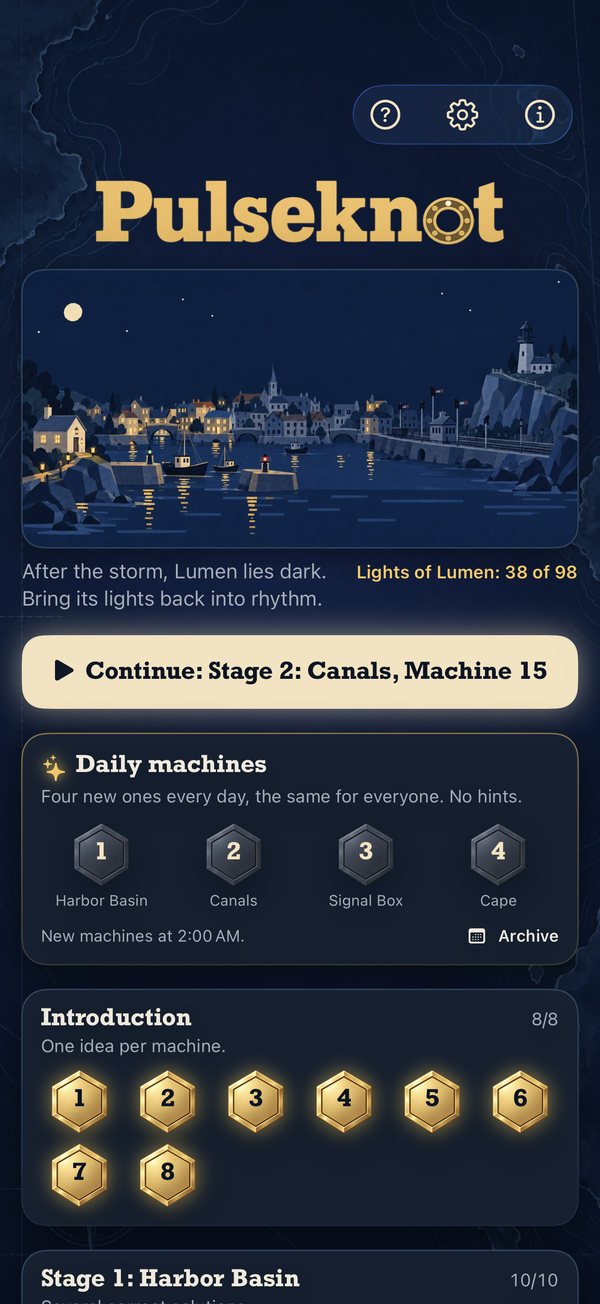
Pulseknot by Symtix (iPhone)
Pulseknot is a game. It does not send any data to us and contains no ads and no analytics tools.
Apart from Game Center and the App Store, the app makes no network connections of its own. It asks
for no permissions: no access to camera, microphone, location, contacts, photos or motion sensors,
and no notifications.
- What is stored only on your device
- Your progress (solved machines and how many changes and hints you needed), your daily machines with
moves and streak, your state in the endless mode, the achievements you have earned, your settings and
whether the full version is unlocked. Everything is kept in the app's protected area on the device. Pulseknot does not use
iCloud; nothing is synced between your devices.
- Sound and haptics
- Sound and haptics are created on the device from the patterns of the machine. The app records
nothing and does not use the microphone.
- Game Center (optional)
- If you are signed in to Game Center on the device, Pulseknot reports to the leaderboards, under your
Game Center profile: the number of your moves when you solve a daily machine on its own day (one
leaderboard per stage, starting afresh every day), your longest streak and how many machines you have
solved in total. Daily machines played from the archive are not reported. Pulseknot also reports
the achievements you have earned. On the leaderboards other players see your Game Center name, your profile picture and
your result. Apple's Game Center handles this under its own responsibility (see
“Apple services”); we do not receive this data. Without
Game Center the game works the same, just without leaderboards and achievements.
- The “Full version” purchase
- Pulseknot is free. The full version is a one-time purchase of 2.99 € through the App Store, and
Apple handles the payment. The app checks on the device with Apple's StoreKit whether you have the
full version and remembers it there. We do not receive any payment data.
- Links
- Links under “About” lead to this website. They open in your browser, where the
privacy policy of this website (German) applies.
- App Store privacy label
- We receive no data from the app. Our App Store privacy label therefore reads “Data Not
Collected”.
Your rights
As our apps do not transmit any data to us, we hold no personal data about you through the apps.
For data that Apple processes through its services under its own responsibility, please contact
Apple. If you write to us (e.g. with a support request), the information and rights set out in the
privacy policy of this website (German) apply to that message.
Support
Questions, bugs or suggestions about Pulseknot: info@symtix.eu.
It helps if you include the version number, your iPhone and its system version and a short
description of what happened.
Refunds for App Store purchases are handled by Apple:
reportaproblem.apple.com.
Pulseknot FAQ
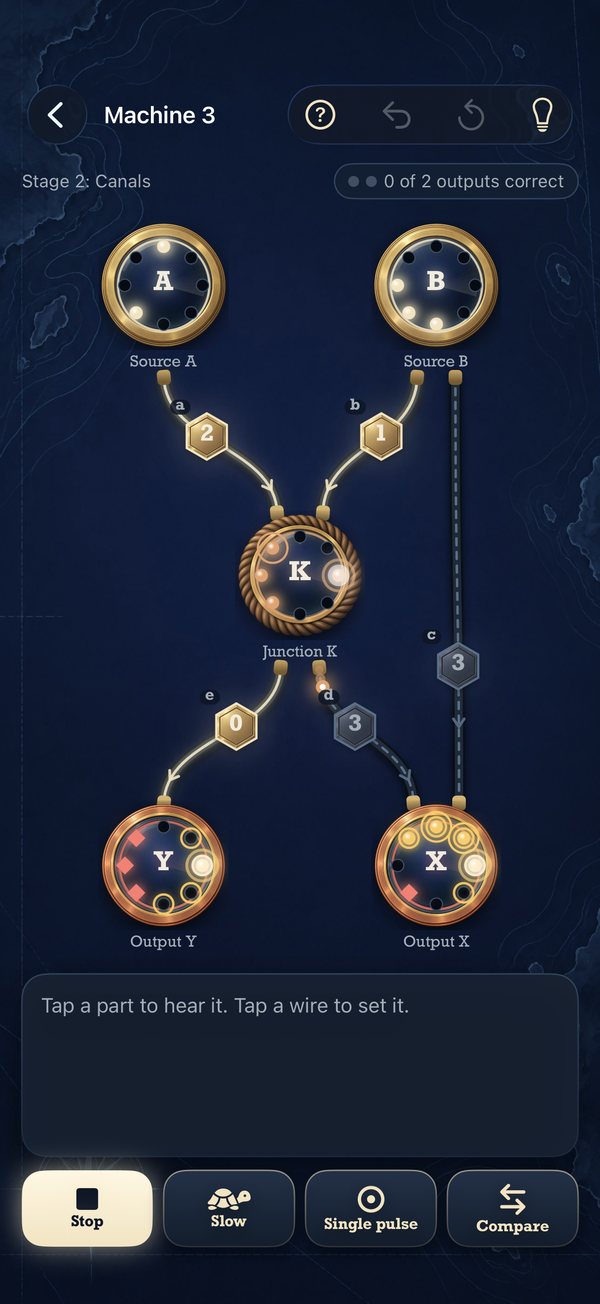
- What does the number on a wire mean?
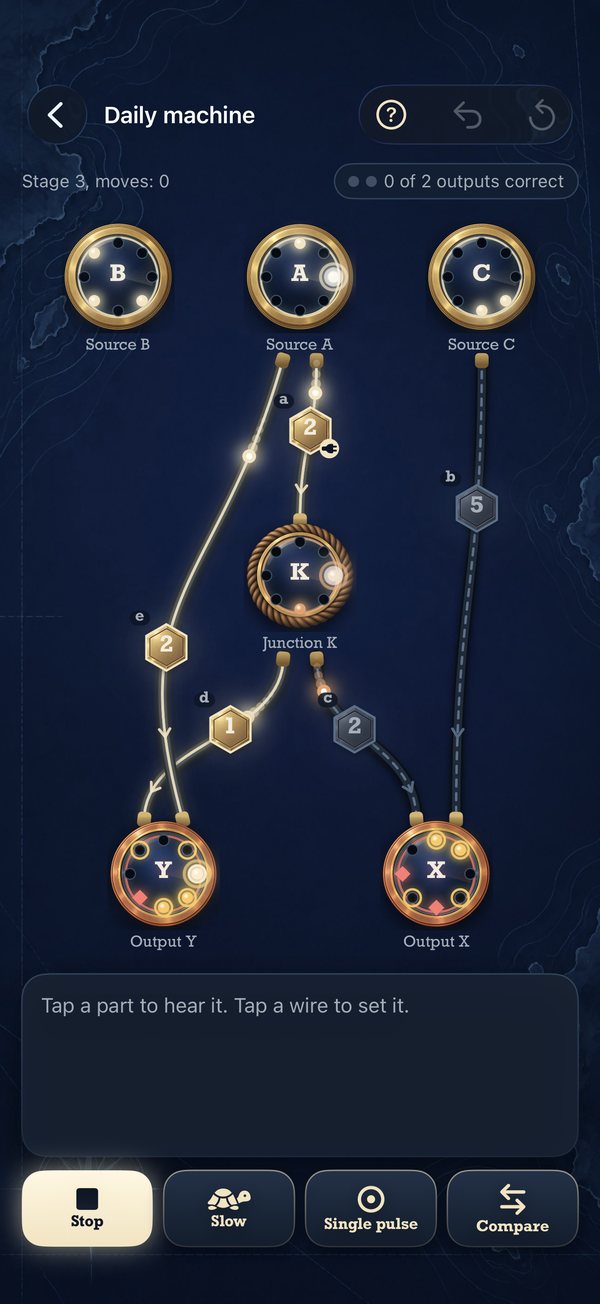
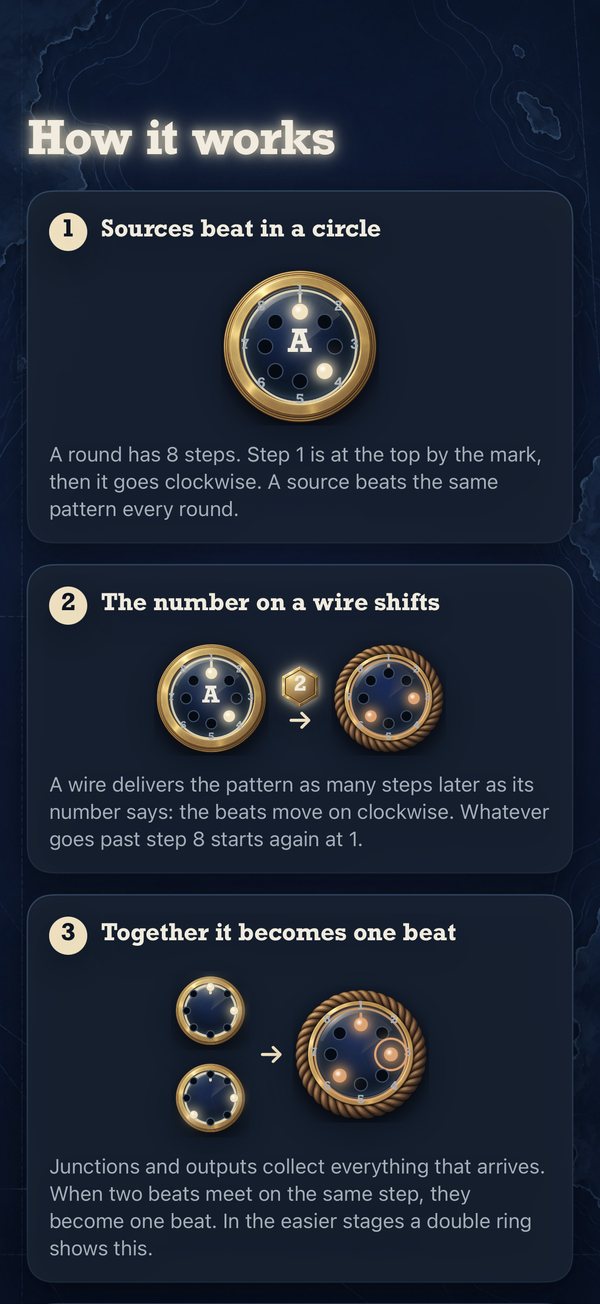
- It tells you how many steps later the wire delivers the rhythm. If it says 2, a beat from step 1
arrives at step 3. Whatever runs past step 8 starts again at step 1. Only wires with a glowing
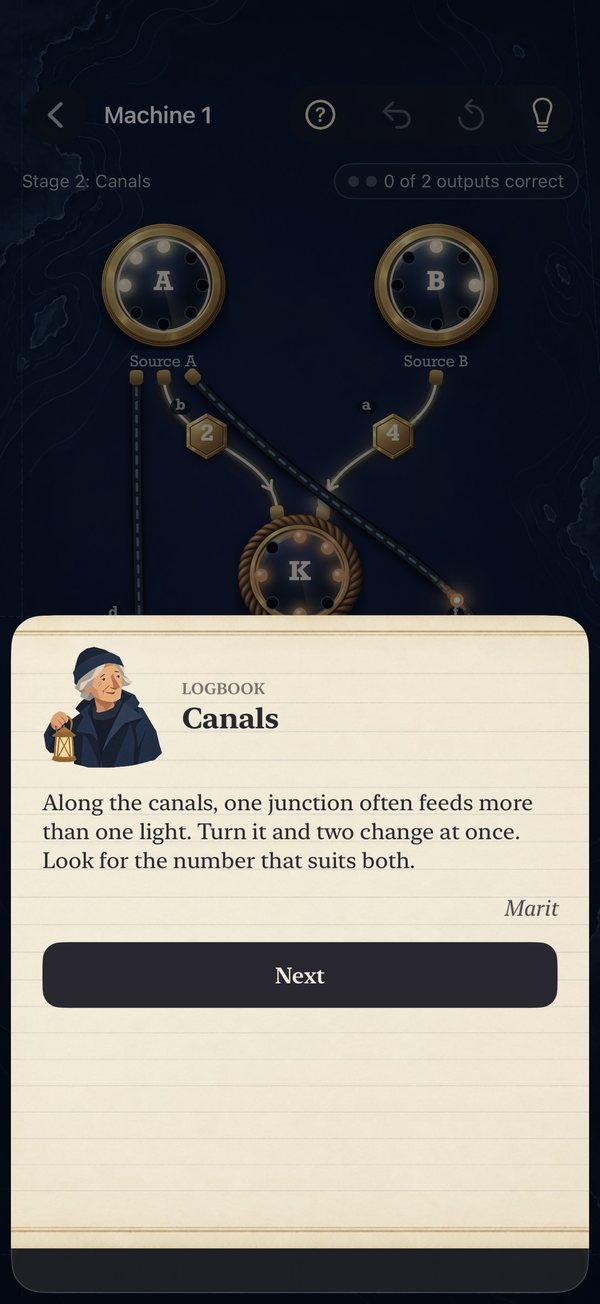
number can be turned; grey dashed wires are fixed. Open the “How it works” card at any time with
“?”.
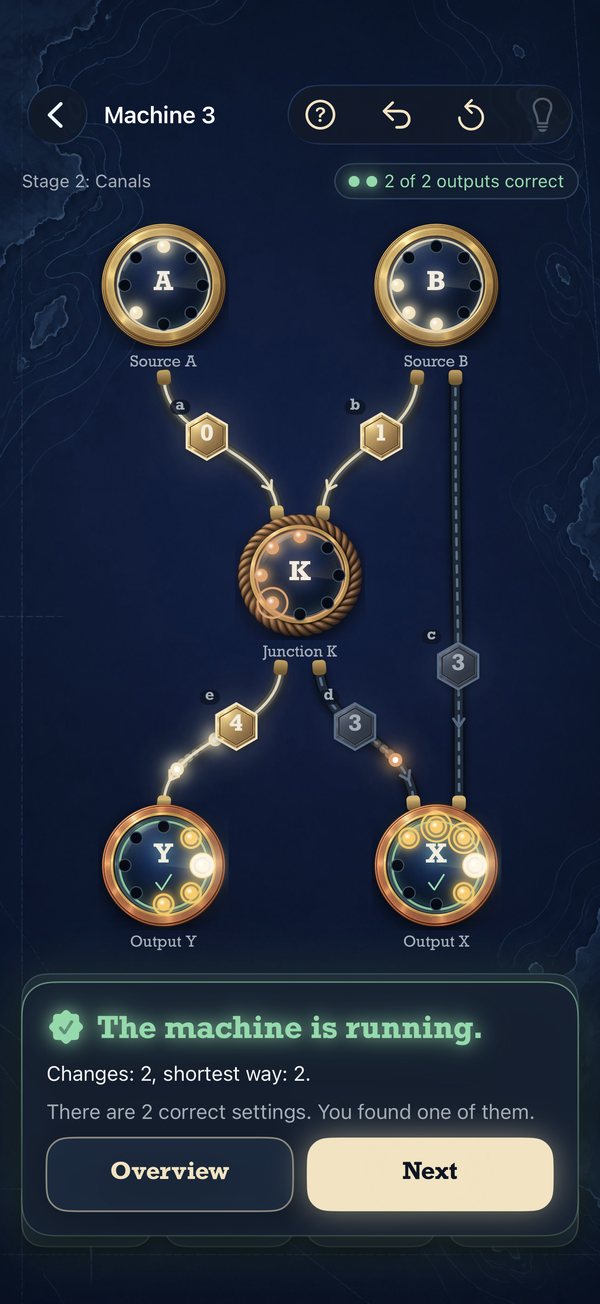
- How do I see whether an output is right?
- Yellow circles show where the output should beat. A dot in a circle means: right. An empty circle
means: a beat is missing. A red diamond means: one beat too many. When all outputs are right, the
machine runs.
- I am stuck.
- Tap the light bulb: a hint first tells you what is wrong, then, if you like, where the fault is,
and finally what exactly to change. With “Compare”, or a long press on an output, you hear and feel
the actual and the wanted rhythm side by side; with “Single pulse” you follow one beat through the
machine. Undo and restart work at any time. Daily machines have no hints.
- What is free, and what costs money?
- The download is free, and so are the introduction, the first 5 machines of every stage and the four
daily machines every day. The full version for a one-time 2.99 € unlocks the other 70 machines, the
endless mode in every stage and the archive of past daily machines. It also works with Family
Sharing. There is no subscription and no advertising.
- How do I restore my purchase?
- Tap “Restore Purchases” in Settings (or on the purchase screen). Make sure you are signed in with
the Apple Account you bought with. The full version works on all your iPhones.
- When do new daily machines appear, and how are moves counted?
- Every day at 0:00 UTC; the app shows you the local time. Every wire you set counts as one move;
turning the same wire again right away is still the same move. Undo and restart do not take a move
back, listening and comparing are free. A daily machine only counts for the leaderboard and your
streak if you solve it on its own day.
- How do I switch Game Center on or off?
- Pulseknot has no switch of its own for this. Whether you are signed in to Game Center is set in
your iPhone's Settings under “Game Center”. If you are not signed in, Pulseknot reports nothing.
When you are signed in, the trophy on the start screen opens leaderboards and achievements.
- How do I set sound and haptics?
- In the app's Settings with “Sound” and “Haptics”. The sound follows your iPhone's silent switch.
“Play slowly” plays the rhythm more slowly. “Machine runs silently” shows the travelling pulses even
when nothing is played; if “Reduce Motion” is on in Accessibility, the machine stays still.
- What does “Reset progress” do?
- It sets all solved machines back to open. Daily machines, your streak and the endless mode stay as
they are, so that a daily machine cannot be played again for the leaderboard. Earned achievements and the full
version stay too.
- How do I delete my data?
- Delete the app to remove all Pulseknot data from your iPhone. Your Game Center entries are managed by
Apple; you reach them through the Game Center settings on your iPhone.
Reporting security vulnerabilities
If you have found a possible security vulnerability in one of our apps, please email
security@symtix.eu. It helps if you include the app name, the
version number, the device and its system version and a description of how to reproduce the
issue.
- We usually acknowledge your report within a few working days and keep you informed about its
progress.
- Please do not publish details until an update is available or we have agreed on a date together
(guideline: 90 days after your report).
- We provide security updates free of charge through the App Store. Fixed vulnerabilities are
listed in the release notes of the app concerned.
This information is also available in machine-readable form in our
security.txt file.
All Symtix apps